

Home / Insights / Licensing & ownership
Licensing & ownership
Meraki gives you 30 days of grace. After that, Cisco’s own documentation says your devices stop passing client traffic. Here’s exactly what happens, and how to plan around it.
RC
By RedCell Engineering
· Nov 17, 2026 · 4 min read
•
When a Meraki organization goes out of license compliance, it gets a 30-day grace period and keeps working normally.
•
If the licensing isn’t fixed by the end of the grace period, Cisco says the organization “will be shut down” and devices “will cease to pass client traffic.”
•
Under per-device licensing, an expired device also gets 30 days, then “will cease to operate” until it’s licensed again. Grace days are taken out of your next license.
•
The fix isn’t panic. It’s a renewal calendar, a budget line, and a decision about whether you want to keep renting the features your hardware already has.
Cisco Meraki is popular for good reasons: one dashboard, cloud management, and gear that’s simple to deploy. But Meraki hardware is sold with a license, and the license is what keeps the hardware doing its job. If that license lapses, the network doesn’t just lose a few premium features. It stops carrying traffic.
That surprises a lot of business owners, especially when the original installer has moved on or the renewal notice went to someone who left the company. Below is what Cisco’s own documentation says happens, step by step.
Meraki has two main licensing models: co-termination (one shared end date for the whole organization) and per-device licensing (each device has its own term).
Under co-termination, Cisco’s documentation says an organization goes out of compliance when it is under-licensed or reaches its co-termination date. At that point it “will automatically enter a 30-day grace period,” and during that time the organization “will continue to function as usual.” Administrators get weekly email reminders, but the number of grace days left isn’t shown in the dashboard.
Per-device licensing works much the same way: “There will be a 30 day grace period from the time that the license expires.” That grace period only applies to devices that had a license of one year or more. One-day licenses have none.
“The devices will cease to pass client traffic.”
Cisco Meraki documentation, Co-Term License Problem – Out of Compliance
If licensing still isn’t fixed when the grace period ends, here is what Cisco documents for a co-termination organization:
•
The organization “will be shut down.”
•
Devices “will cease to pass client traffic.” They keep passing Meraki management traffic so the dashboard can still see them.
•
Users may see a splash page that reads “This network is misconfigured.”
•
Administrators can only reach the License Info and Device Status pages until compliance is restored.
For per-device licensing, Cisco says the device “will cease to operate until the licensing issue has been resolved.” Add-on licenses depend on the device license, so if the device license lapses, “the add-on functionality will not work.”
In plain terms: the Wi-Fi, switching or security appliance your staff and customers rely on stops doing its job.
Talk it through with a US-based RedCell engineer, no pressure.
You might assume that renewing late simply restarts the clock. Under per-device licensing it doesn’t. Cisco’s example: if you apply a one-year license 10 days into the grace period, the new expiration is 355 days out, not 365. The grace days come out of the new term.
Cisco also describes a co-termination grace-period reset as “a one-time courtesy.” It’s not something to plan around.
If you’re staying on Meraki, treat licensing like any other critical renewal:
1.
Know your dates. Check the License Info page today and write down your co-termination or per-device expiration dates.
2.
Send renewal notices to more than one person. A shared inbox or two admins means a departure doesn’t leave the network unlicensed.
3.
Budget renewals as an operating cost. Licenses are a recurring line item for as long as you own the hardware.
4.
Renew before the grace period. Under per-device licensing, late renewals shorten your next term.
Licensing models like Meraki’s are a trade-off. You get a polished cloud experience, and in exchange your hardware’s ability to forward traffic depends on an active subscription.
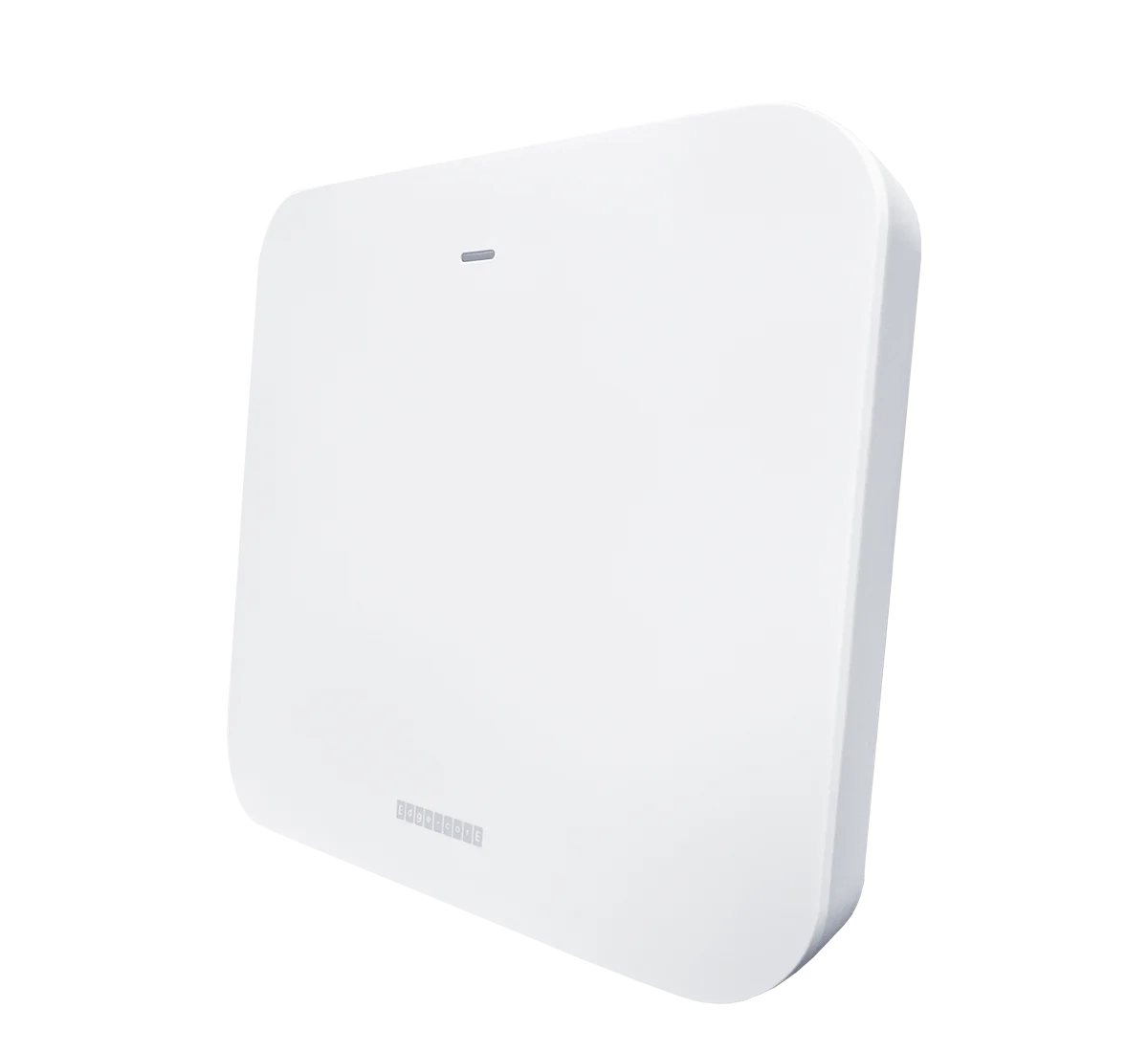
Some businesses are happy with that trade. Others would rather own the features their hardware already has. That’s the idea behind open networking: enterprise-grade switches and Wi-Fi from Edgecore that can run standalone or under a controller, with no annual feature licenses to keep the network passing traffic.
RedCell designs, pre-provisions and supports Edgecore networks from the US. If you’re weighing a Meraki renewal against a change, we can walk through both options with you, honestly, including when staying put makes more sense.
We’ll ship you a pre-configured Edgecore access point and PoE switch to run on your own network for 30 days, with a US-based engineer on call. No pressure, and no renewal date attached to the hardware.
SOURCES
Cisco Meraki documentation: Co-Term License Problem – Out of Compliance
Cisco Meraki documentation: The Science Behind Per-Device Licensing
Share
Copy link
RC
RedCell Engineering
US-based network engineers who design, deploy and support Edgecore networks for businesses and service providers.
US-based engineers who design, deploy and support Edgecore networks.
IN THIS ARTICLE
Key takeaways
Why this question matters
Step 1: the 30-day grace period
Step 2: what shuts down after 30 days
Step 3: renewing late doesn’t buy you time
How to make sure this never happens to you
The bigger question: rent or own?
Try it before you decide
30-DAY EDGECORE TRIAL
A pre-configured access point and PoE switch, shipped to you, with a US-based engineer on call.
Request your trialOr call 813 885 2600
KEEP READING
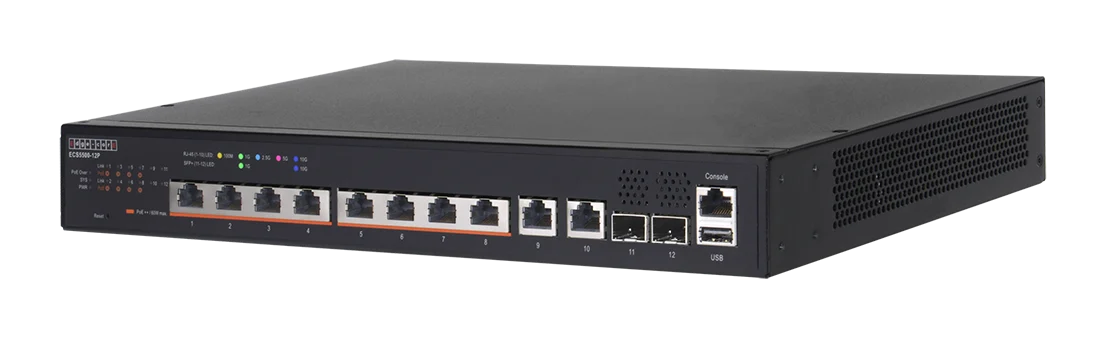
OPEN NETWORKING
How disaggregated hardware works, who builds it, and when it makes sense for a business.
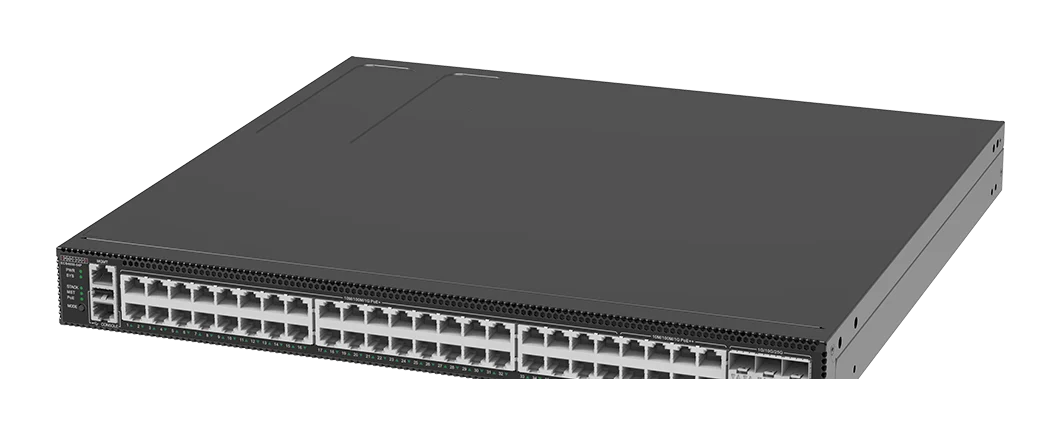
OPEN NETWORKING
The open-source network OS Microsoft built for Azure, explained in plain English.
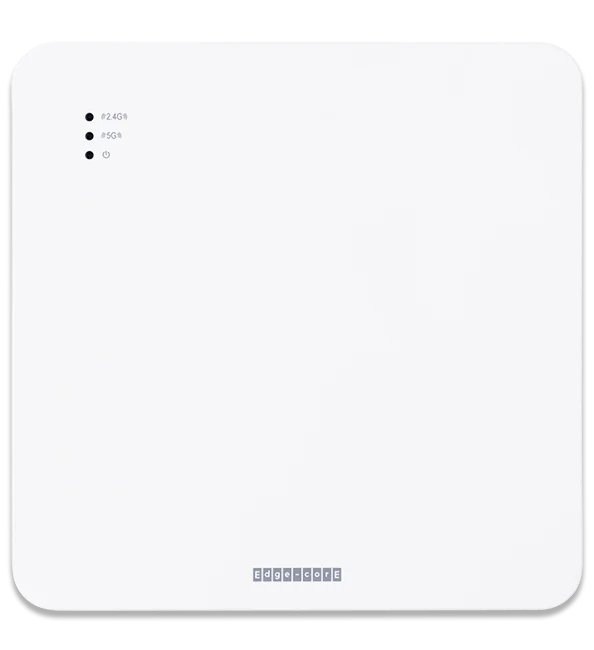
HOSPITALITY
How to design hotel Wi-Fi that covers every room and holds up at peak hours.
Talk to a RedCell engineer: 813 885 2600 · redcelltechnologies.com/contact
Own your network. Talk to an engineer.
813 885 2600 · redcelltechnologies.com/contact