
Home / Edgecore / Access Points
Edgecore access points
Indoor and outdoor access points for guest rooms, classrooms, offices, venues and yards, all manageable from one place with no per-AP license to keep paid. RedCell designs, pre-provisions and supports every one from the US.
Access points
Wi-Fi 6 and Wi-Fi 7.
4 models
Indoor and outdoor
Wi-Fi 6 & 7
Dual-band and tri-band options
9.34 Gbps
Top aggregate rate (EAP105)
IP68
Outdoor option (OAP101)
4 models
Indoor and outdoor
Wi-Fi 6 & 7
Dual-band and tri-band options
9.34 Gbps
Top aggregate rate (EAP105)
IP68
Outdoor option (OAP101)
The lineup
Every model runs standalone or under Edgecore ecCLOUD and on-site controllers, with no per-AP license that has to stay paid.
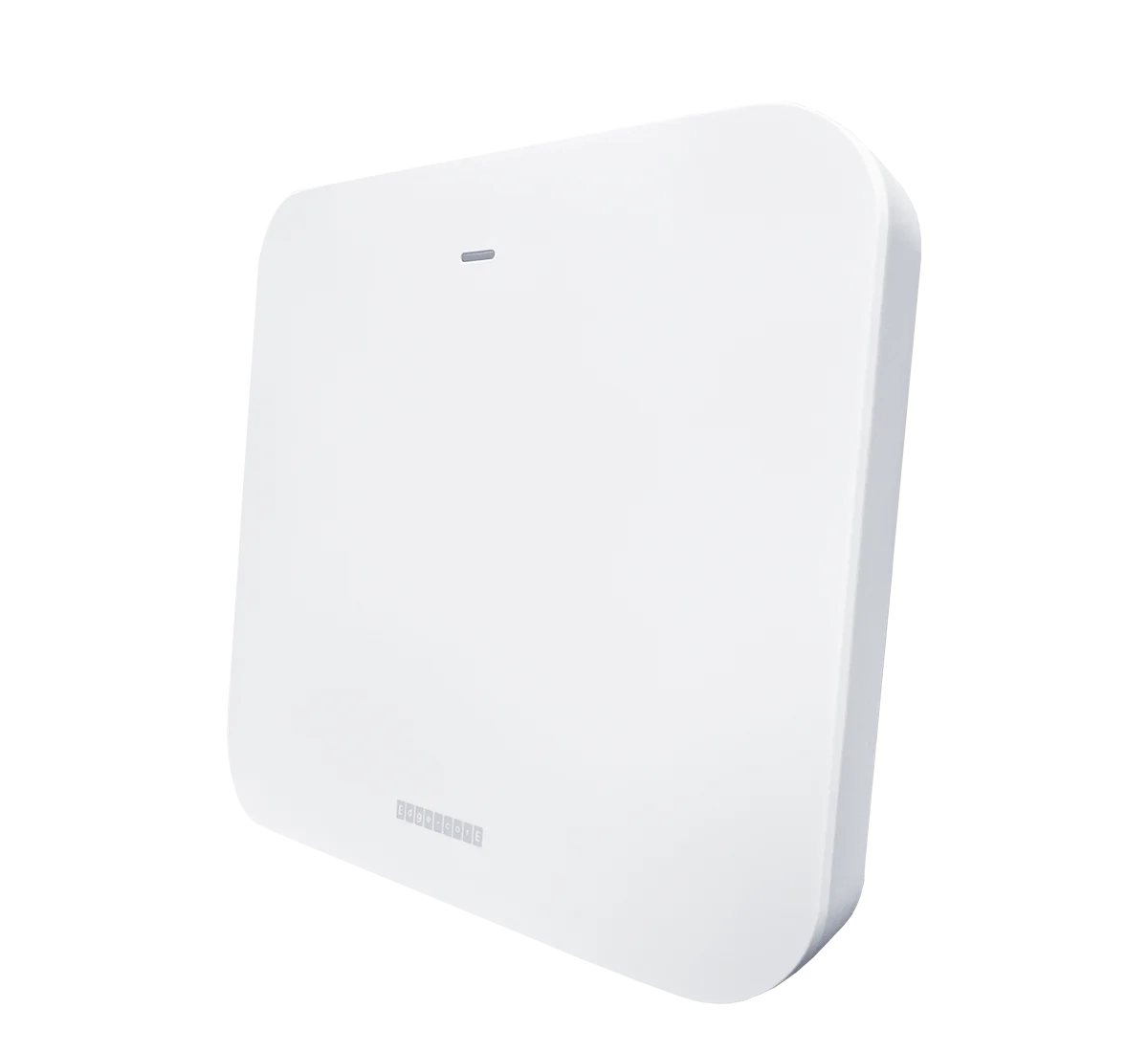
INDOOR WI-FI 7
• Tri-band 2.4/5/6 GHz
• Up to 9.34 Gbps
• 5GbE PoE+ uplink
INDOOR WI-FI 6
• 4x4 MU-MIMO on 5 GHz
• Up to 2.9 Gbps
• Two 2.5GbE ports
INDOOR WI-FI 6
• Dual-band 2.4/5 GHz
• Up to 1.7 Gbps
• 2.5GbE uplink + 2 LAN ports
OUTDOOR WI-FI 6
• IP66/IP68, −40 to 60 °C
• Up to ~3 Gbps
• Pole or wall mount
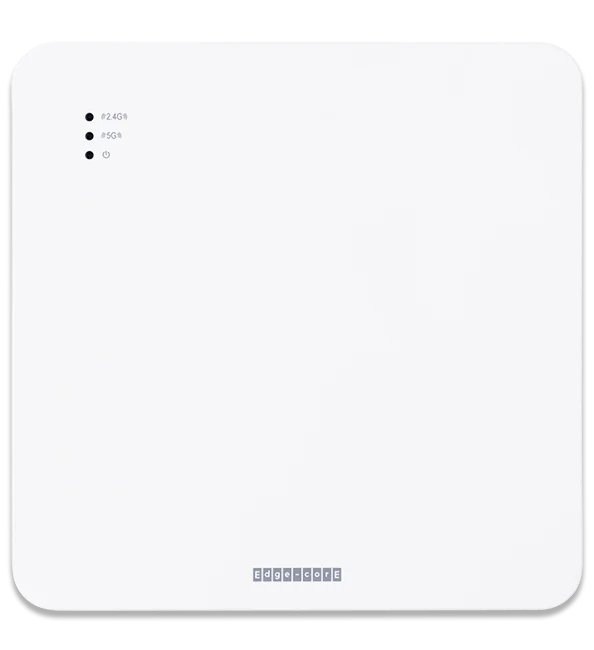
INDOOR WI-FI 6
Edgecore EAP102
• 4x4 MU-MIMO on 5 GHz
• Up to 2.9 Gbps
• Two 2.5GbE ports
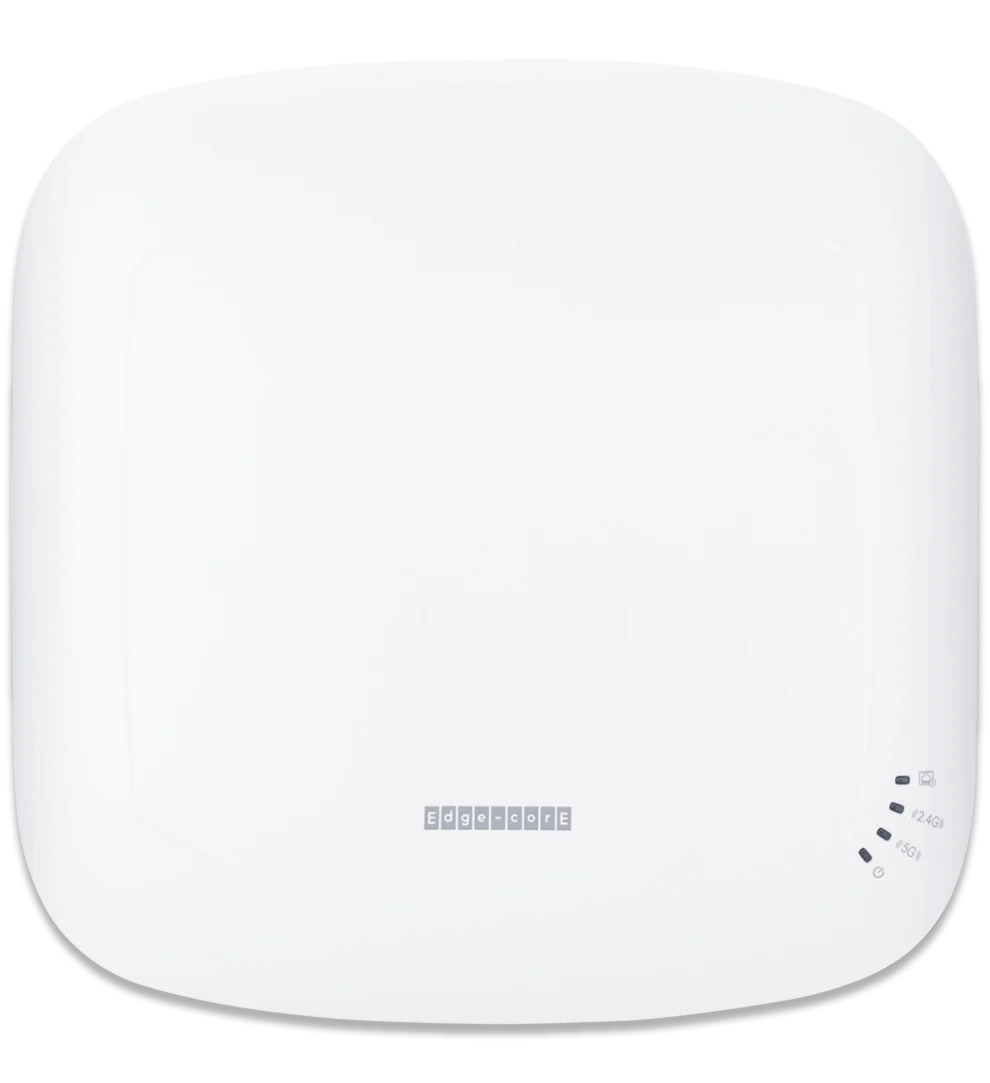
INDOOR WI-FI 6
Edgecore EAP101
• Dual-band 2.4/5 GHz
• Up to 1.7 Gbps
• 2.5GbE uplink + 2 LAN ports
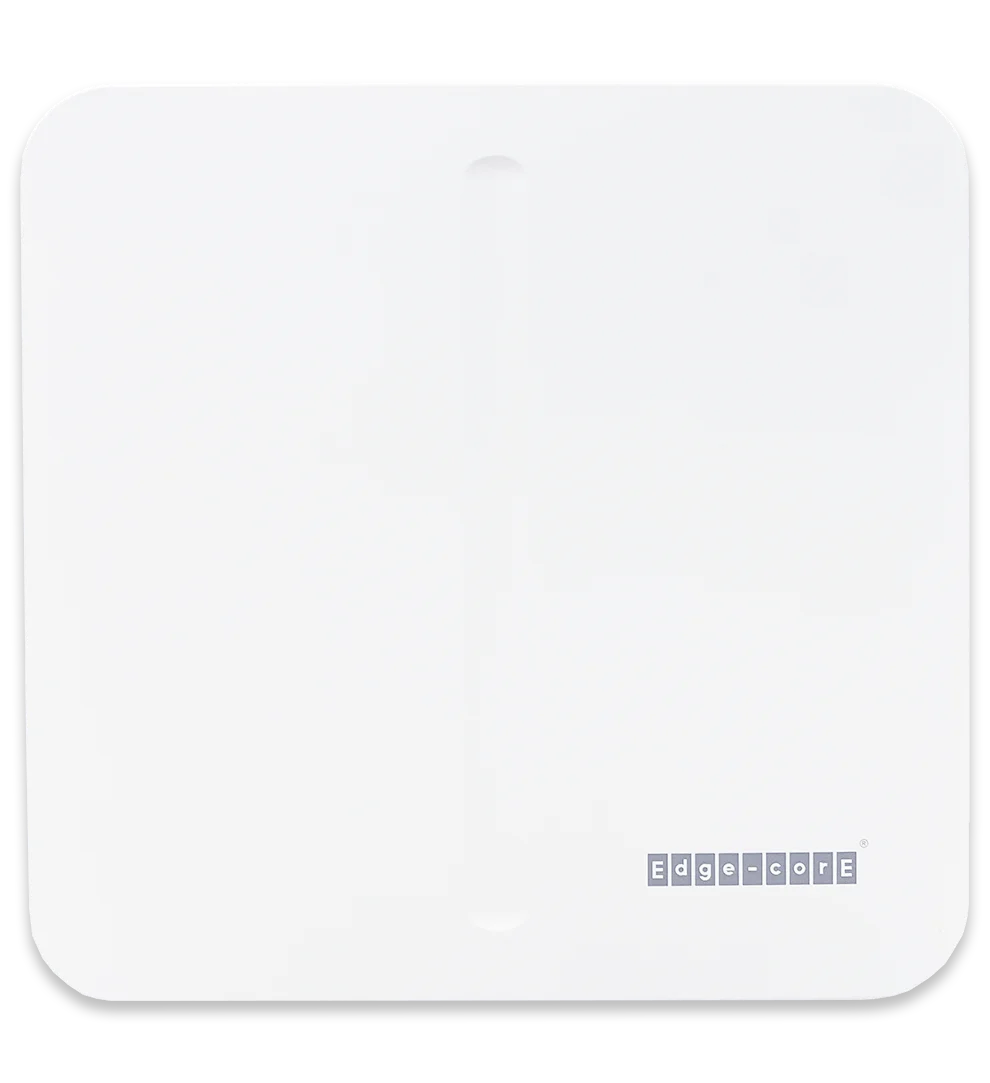
OUTDOOR WI-FI 6
Edgecore OAP101
• IP66/IP68, −40 to 60 °C
• Up to ~3 Gbps
• Pole or wall mount
Pick by place
A quick guide. RedCell confirms every pick with a site survey and floor plan.

EAP101 when the room needs wired ports for a TV or phone. EAP105 for Wi-Fi 7 and the 6 GHz band.

EAP102: 4x4 MU-MIMO on 5 GHz handles crowds that connect at once.

EAP105: tri-band Wi-Fi 7 with 320 MHz channels and Multi-Link Operation.

OAP101: IP68 housing, −40 to 60 °C, pole or wall mount.

EAP101 or EAP102 depending on class size, with WPA3-Enterprise for staff and students.

EAP101 for offices and break rooms. OAP101 for docks, yards and unconditioned space.
Hospitality: a Wi-Fi 7 AP in every room
Wall-plate mounting, a LAN port for the TV or phone, and per-room keys with MPSK/DPSK keep in-room deployments clean and secure.
Multi-site restaurants & retail
Zero-touch provisioning and VLAN support let each site go live with POS, staff and guest traffic kept separate, managed from one view.
Education
OFDMA, MU-MIMO and BSS coloring keep a room full of laptops and tablets connected, with WPA3-Enterprise for staff and students.
Sports & venues
Three concurrent bands and Multi-Link Operation spread heavy client loads across suites, concourses and meeting spaces.
Warehousing: offices and indoor floors
A strong fit for conditioned indoor areas (IP41, 0–50 °C). For docks, yards and unconditioned space, RedCell specs an outdoor model.
Offices & multi-tenant buildings
Enterprise features for growing offices and shared buildings, with management access included under RedCell advanced support.
30-day Edgecore trial
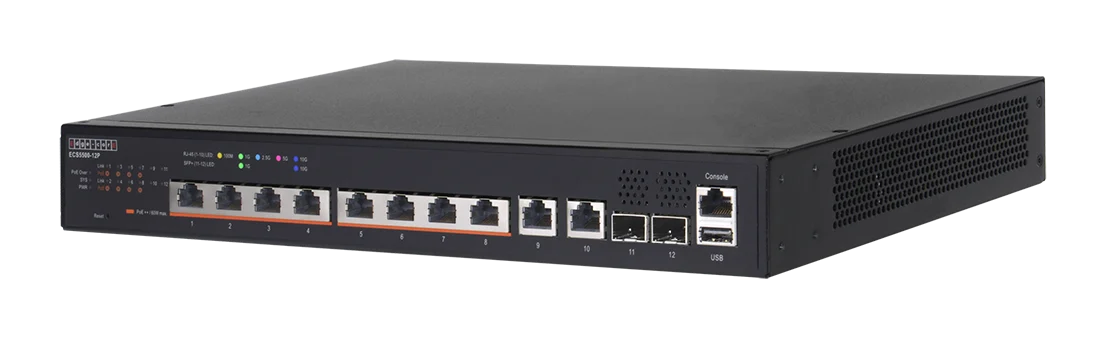
We ship you an Edgecore access point and switch, configured by RedCell for your network. Run them for 30 days, see the performance for yourself, then decide.

An access point and a PoE switch, shipped to you
Pre-configured by RedCell before it leaves
A US-based engineer on call for the whole trial
Compare
From Edgecore’s published product pages. Full specs on each device page.
MODEL
WI-FI
BANDS
MAX DATA RATE
UPLINK / LAN
RATED FOR
BEST FOR
EAP105
Wi-Fi 7
2.4 / 5 / 6 GHz
9.34 Gbps
5GbE PoE+ / 1 GbE
Indoor, 0–50 °C
High density, newest devices
EAP102
Wi-Fi 6
2.4 / 5 GHz, 4x4 on 5
2.9 Gbps
2.5GbE PoE+ / 2.5GbE
Indoor, 0–45 °C
Lobbies, conference, open offices
EAP101
Wi-Fi 6
2.4 / 5 GHz
1.7 Gbps
2.5GbE PoE+ / 2 x GbE
Indoor, 0–50 °C
Rooms, classrooms, small offices
OAP101
Wi-Fi 6
2.4 / 5 GHz
~3 Gbps
2.5GbE PoE+ / 1 GbE
Outdoor, IP68, −40–60 °C
Yards, docks, pools, venues
EDGECORE EAP105
Wi-Fi
Wi-Fi 7
Bands
2.4 / 5 / 6 GHz
Max data rate
9.34 Gbps
Uplink / LAN
5GbE PoE+ / 1 GbE
Rated for
Indoor, 0–50 °C
Best for
High density, newest devices
EDGECORE EAP102
Wi-Fi
Wi-Fi 6
Bands
2.4 / 5 GHz, 4x4 on 5
Max data rate
2.9 Gbps
Uplink / LAN
2.5GbE PoE+ / 2.5GbE
Rated for
Indoor, 0–45 °C
Best for
Lobbies, conference, open offices
EDGECORE EAP101
Wi-Fi
Wi-Fi 6
Bands
2.4 / 5 GHz
Max data rate
1.7 Gbps
Uplink / LAN
2.5GbE PoE+ / 2 x GbE
Rated for
Indoor, 0–50 °C
Best for
Rooms, classrooms, small offices
EDGECORE OAP101
Wi-Fi
Wi-Fi 6
Bands
2.4 / 5 GHz
Max data rate
~3 Gbps
Uplink / LAN
2.5GbE PoE+ / 1 GbE
Rated for
Outdoor, IP68, −40–60 °C
Best for
Yards, docks, pools, venues
RedCell support
Buy Edgecore access points through RedCell and you get US-based engineers behind them, from the first floor plan to the last firmware update.
Network and RF design reviews so access points land where coverage and capacity need them.
Units configured before they ship, so your installers hang them and go.
Advanced support from US-based engineers, plus firmware and configuration help across your whole fleet.
01
Design.
Network and RF design reviews so access points land where coverage and capacity need them.
02
Pre-provision.
Units configured before they ship, so your installers hang them and go.
03
Support.
Advanced support from US-based engineers, plus firmware and configuration help across your whole fleet.
Downloads
RedCell edition · PDF
RedCell edition · PDF
RedCell edition · PDF
RedCell edition · PDF
FAQ
Wi-Fi 7 (EAP105) adds the 6 GHz band, 320 MHz channels and Multi-Link Operation, and suits high-density spaces and newer devices. Wi-Fi 6 (EAP101, EAP102) covers most rooms, offices and classrooms well at a lower cost. RedCell recommends based on your floor plan and device mix.
No. Every model can run standalone with no cloud account. For central management they work with Edgecore ecCLOUD and on-site EWS controllers.
Yes. Indoor and outdoor models can run on the same network and be managed together in Edgecore ecCLOUD or an on-site EWS controller.
Use the OAP101 anywhere exposed to weather: yards, patios, pools, docks. It's rated IP66/IP68, runs from −40 to 60 °C and mounts on a pole or wall. Use the EAP105, EAP102 or EAP101 indoors. RedCell recommends the mix after reviewing your site.
Yes. RedCell handles network and RF design, pre-provisions the access points before they ship, and supports them from the US.
Yes. RedCell ships an access point and a PoE switch, configured for your network, for a 30-day trial, with a US-based engineer on call throughout.
FROM REDCELL INSIGHTS
LICENSING & OWNERSHIP
Meraki gives you 30 days of grace. After that, Cisco says devices stop passing client traffic.
HOSPITALITY
How to design hotel Wi-Fi that covers every room and holds up at peak hours.
OPEN NETWORKING
How disaggregated hardware works, who builds it, and when it makes sense for a business.
Related
Switching, management and the full Edgecore lineup.

PoE and multi-gig switching to power and connect your access points. View switches →
Talk to a RedCell engineer: 813 885 2600 · redcelltechnologies.com/contact
813 885 2600 · redcelltechnologies.com/contact